Change your company settings
Change company settings — name, country, language, currency and working week — and see who changed what in the audit trail (audit log).
For Owners and AdminsAbout 3 minutesReviewed September 29, 2026
Company settings live under Settings → General. Everyone can see them; owners and admins can change them.
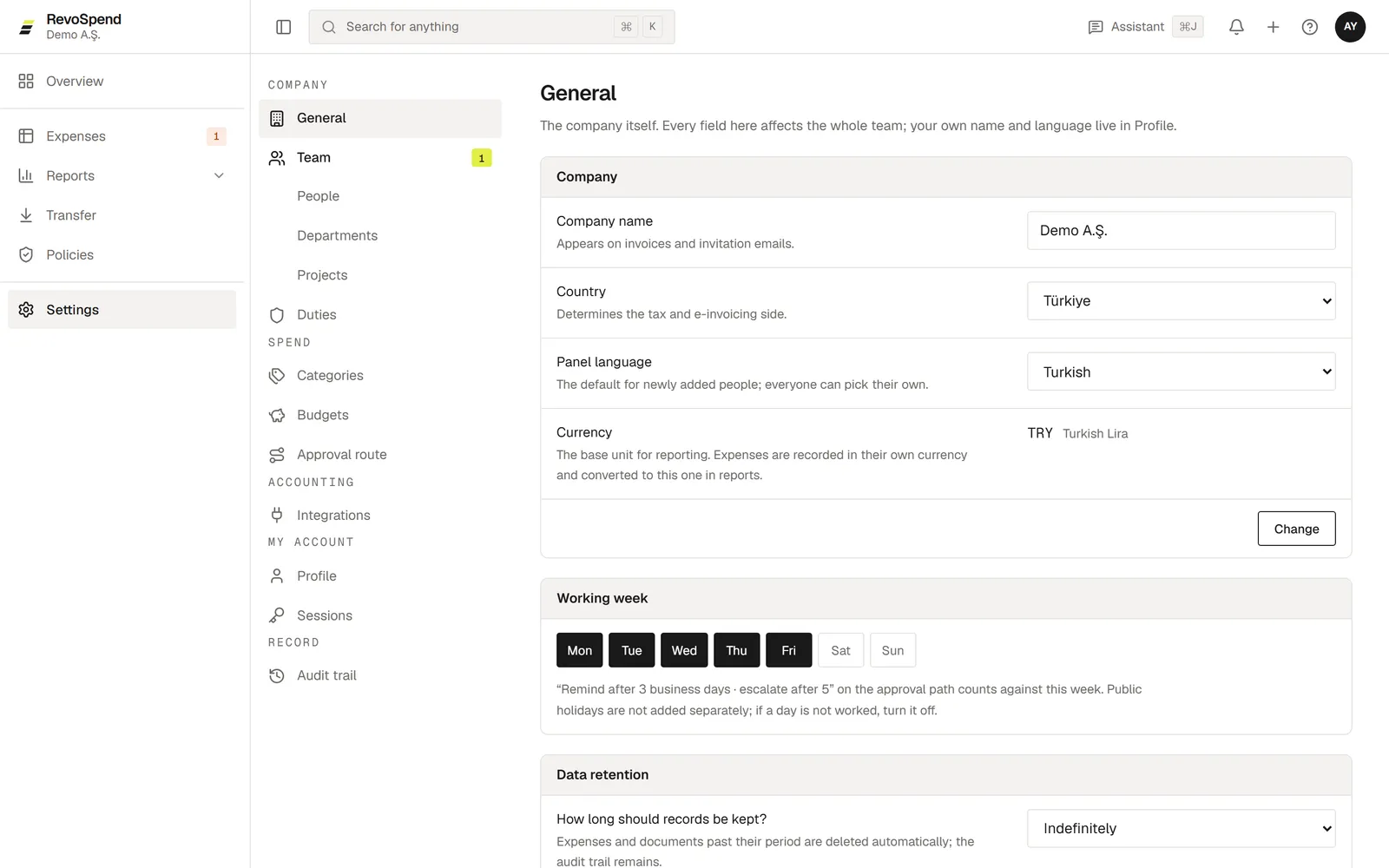
| Setting | What it affects |
|---|---|
| Company name | How your company appears in RevoSpend and in emails |
| Country | Which accounting programs are offered, and the currency your plan is billed in |
| Panel language | The language new people get, and the language of invitation emails |
| Currency | Your base currency for reports, budgets and approval thresholds |
| Working week | Which days count as business days for approval reminders and escalation |
Changing the base currency asks for confirmation. If your approval route has amount thresholds, change the route first — thresholds are set in the base currency.
Who changed what
Every important action — invitations, approvals, policy and route changes, transfers, exports — is recorded in Settings → Audit trail. Records can’t be edited or deleted, so you always have a reliable history for your auditors.
Next steps
Was this article helpful?